Branded storefrontA public rental site with your company name.
RENTAL BUSINESS SOFTWARE
Build your rental site.
Run everything behind it.
Give your company its own customer website, publish your rentals, take requests, and keep customers, schedules, invoices, and messages organized in one place.
Your company name and storefront Customer and staff portals Built for rental businesses
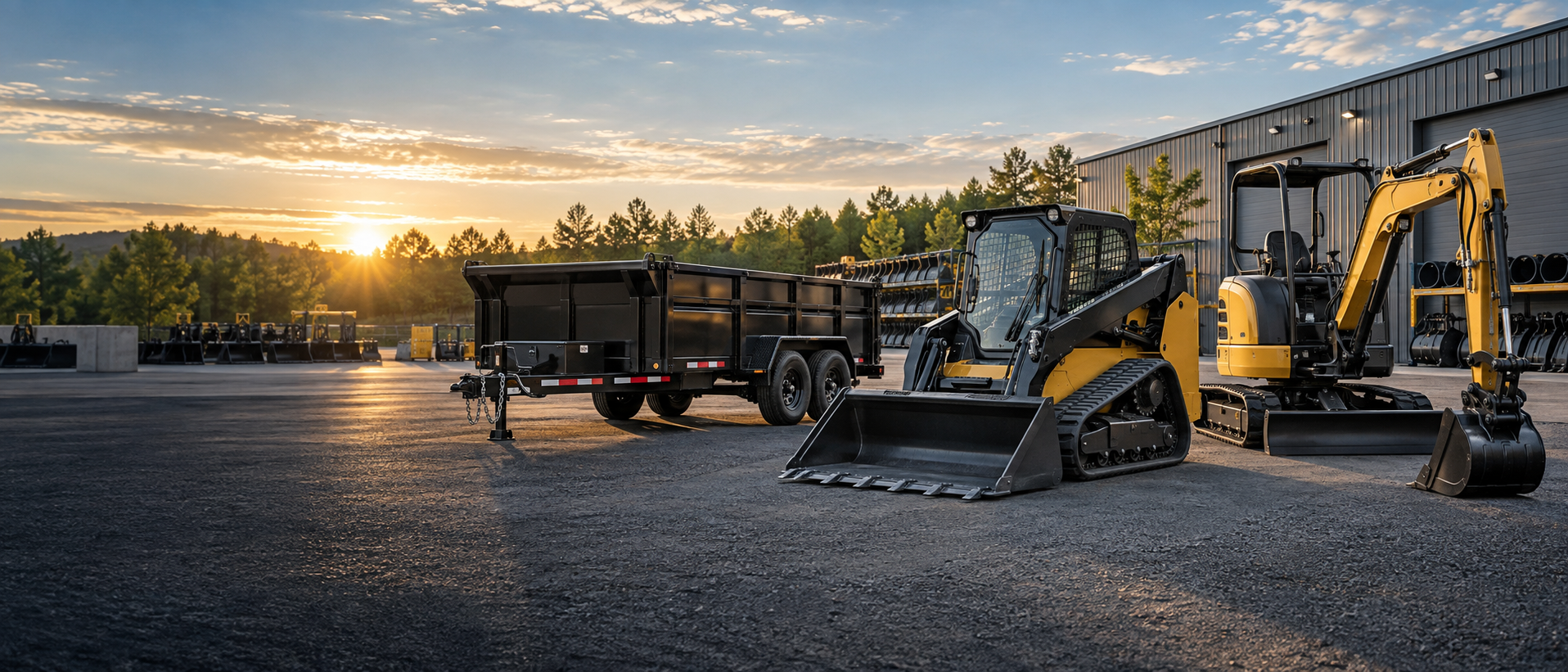
YOUR CUSTOMER SITEYour business. Your rentals.Customers browse your fleet and request dates online.Open example
Rental schedulingShow availability and collect requested dates.
Customer portalGive customers secure access to their records.
Admin workspaceManage rentals, customers, invoices, and messages.
HOW IT WORKS
Start with your company.
Build from there.
RentAll separates each company’s site and records, so your customers see your business—not another rental company’s inventory.
- 01Create your company
Sign in and start a workspace for your rental business.
- 02Add your rentals
List equipment, rates, availability, descriptions, and photos.
- 03Share your storefront
Send customers to your branded page to browse and request rentals.
READY TO BUILD YOUR RENTAL SITE?
Start your company in RentAll.
Set up your business workspace, then add the rentals you want customers to see.